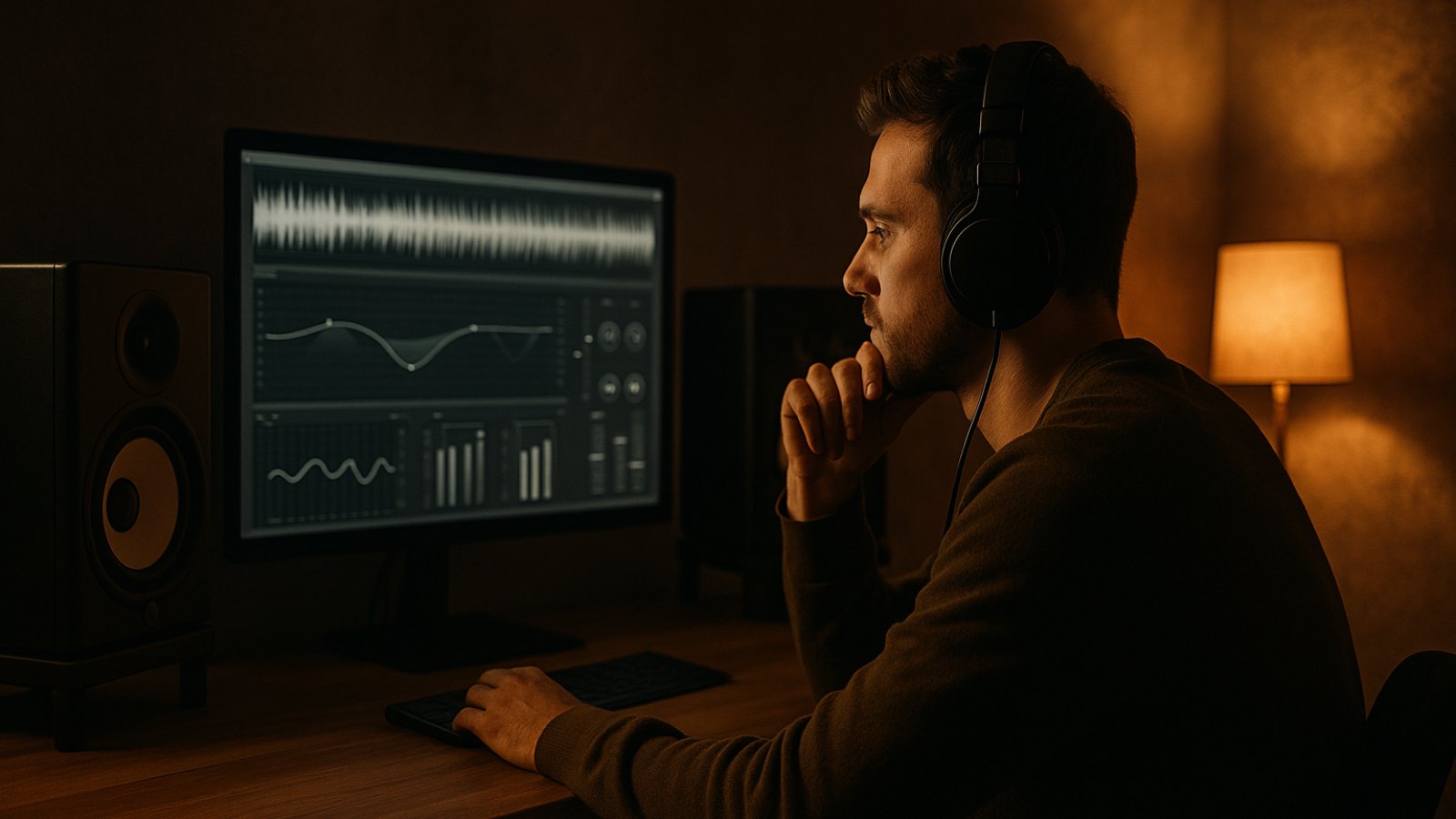
Mastering isn’t just about making a song louder. It’s the final quality check: you fine-tune the sound, loudness, and technical output for your planned release. But small decisions can unnecessarily change your mix. Here are seven common mastering mistakes—and practical ways to avoid them.
1. Trying to fix an unbalanced mix during mastering
Mastering can refine a mix, but it can’t reliably fix problems with individual tracks. If the vocals are too quiet, the kick is too loud, or the bass sounds muddy, the issue is usually in the mix. An EQ or compressor on the full song might mask the problem a little, but it will affect all the other elements too.
How to avoid it: Give your mix a focused listen before mastering. Check the levels, problem frequencies, distortion, and whether the vocals sit consistently. If you need to make major adjustments during mastering, go back to the mix and fix the cause there. A balanced mix is the best starting point.
2. Using too many processors or settings that are too aggressive
More plug-ins don’t automatically make a better master. Too much compression can squash transients and make the song feel less lively. Overdoing EQ can make the sound thin, harsh, or dull. If you keep adding steps just because they’re part of your mastering chain, it’s easy to lose perspective.
How to avoid it: Start with a few tools and only use each one to solve a specific problem. Compare your work regularly with the unprocessed mix, keeping the playback level as similar as possible. The louder version often sounds more impressive by default. If you can barely hear a difference—or the processing makes the song sound worse—leave it out.
3. Confusing loudness with quality
A loud master can sound punchier at first when you compare it directly with another track. But if you push the limiter or compressor too hard to get there, you can lose dynamics, punch, and clarity. The result may become fatiguing over time. There also isn’t one loudness target that works for every genre, platform, and song.
How to avoid it: Decide how dynamic and dense you want your song to sound. Use loudness measurements as a guide, but trust your ears when judging the sound. Make sure the kick, snare, and vocals still cut through clearly. Compare your song with suitable reference tracks, matching their playback levels as closely as possible.
4. Overlooking clipping and True Peak
A signal can hit the digital ceiling and create audible distortion. Even if the sample peaks stay below 0 dBFS, so-called True Peaks can go over the limit during playback or when the audio is converted to another format. This doesn’t happen with every export, but it’s a risk with heavily limited masters in particular.
How to avoid it: Check the final export with a peak or True Peak meter, and listen closely to the loudest sections. Setting a True Peak limit with some headroom can provide a useful safety margin, but the right value depends on the song and how it will be released. Don’t rely on the meter alone: listen for harshness, fizzy highs, and distorted transients.
5. Making the stereo image too wide
A wide sound can be impressive on headphones. But too much stereo processing can make a mix unstable: elements may partly disappear in mono, the center may lose impact, or the low end may sound unfocused. The kick and bass often need a solid center, although every song doesn’t need the same stereo layout.
How to avoid it: Check your master in both stereo and mono. Listen closely to the vocals, kick, bass, and key melodies. If an element gets noticeably quieter or disappears in mono, dial back the widening. Use stereo effects deliberately instead of applying them to the whole song as a quick way to make it sound bigger.
6. Working without references or checking on just one playback system
Your ears quickly get used to your own mix and listening environment. That can make excessive bass, harsh highs, or an unbalanced stereo image easy to miss. A song that sounds great on studio monitors may come across differently on headphones, laptop speakers, or in the car.
How to avoid it: Choose one or two reference tracks that are a good stylistic and sonic match for your song. Compare them at a similar loudness, focusing on bass balance, vocals, presence, and dynamics—not on copying every sound exactly. Also do a quick check on a few playback systems, and take breaks to keep your ears fresh.
7. Not checking the export carefully
Even a great-sounding master can be compromised by the wrong export settings. An incorrect format, cut-off fades, or an accidentally clipped render can make the finished song unusable. Dither is also sometimes applied more than once or at the wrong point in the process.
How to avoid it: Before exporting, check that the format, sample rate, bit depth, and file name match your release requirements. If possible, keep the project’s sample rate. You generally only need dither when reducing the bit depth—and then only once, at the end of the processing chain. After exporting, listen to the entire file, especially the beginning, the end, and the loudest sections.
A quick mastering checklist before release
Before you release your song, run through these points:
- Does the mix sound balanced even before mastering?
- Does every processing move make an audible improvement?
- Are the dynamics and transients still intact?
- Is there any clipping or unwanted distortion?
- Does the song work in mono and on other speakers?
- Is the exported file complete and correct?
Conclusion
Good mastering doesn’t come from using the most plug-ins or chasing maximum loudness. Listen carefully, use reference tracks, and check the final export. When your mix is ready, upload it to TrackDropPro, listen to a free preview, and get your finished WAV or MP3 in minutes—no subscription, just pay per master with credits.
 Deutsch
 Türkçe
 Italiano