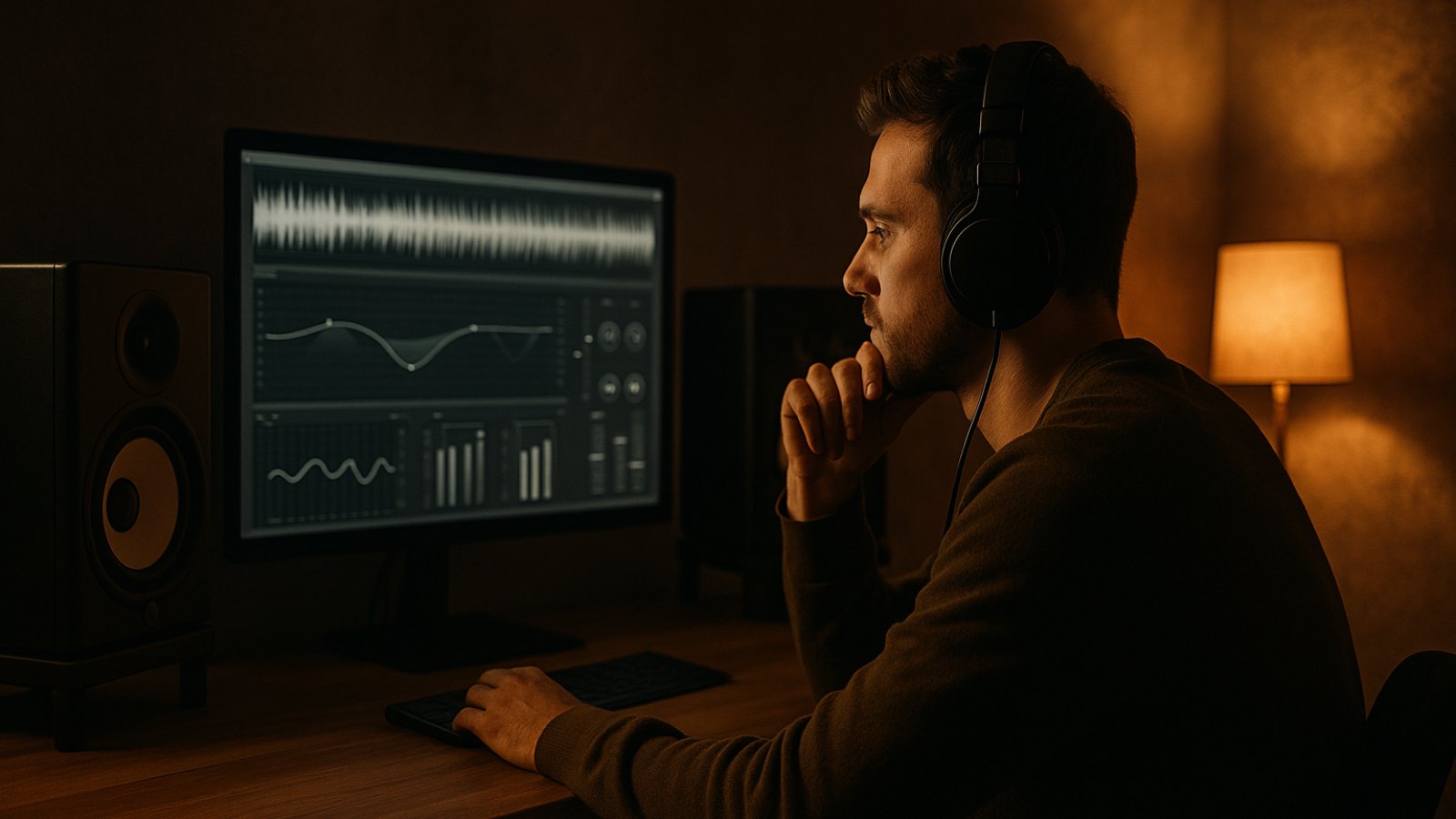
Music mastering is often the final step before a release—but it’s not always clear what actually happens during the process. In short, mastering is where a finished mix is processed and checked so it sounds balanced and is ready for its intended release. It’s not just about volume: it also involves tonal balance, dynamics, and file formats.
You don’t need a huge studio or years of experience to get started. Knowing the basics and preparing your mix well can help you understand the difference between an unfinished mix and a polished, release-ready song.
What is music mastering?
During the mixdown, you balance the individual tracks in your song: vocals, drums, bass, synths, and other elements. Mastering comes next, working with the finished stereo file. The goal is to assess the song as a whole—not to treat each track separately.
Mastering can, for example:
- Fine-tune the tonal balance, such as when the mix sounds too dull or harsh
- Control dynamics so quieter and louder sections work well together
- Optimize perceived loudness for the intended use
- Check for technical issues such as unwanted peaks or unnecessary DC offset
- Export the file in a format suitable for streaming, downloads, or other uses
But mastering can’t fix every mix problem. If the vocals are too quiet, the bass is masking the kick, or an instrument is clipping, it’s usually better to fix that during the mixdown. Mastering can refine the mix, but it can’t rearrange it from scratch.
What happens during mastering?
Every song is different, so there’s no fixed effects chain that should be applied identically to every track. That said, similar tools are often used.
1. Listen and analyze
First, the mix is listened to carefully. Does the balance feel natural? Are there any troublesome frequencies, harsh transients, or audible clipping? The genre matters, too. A dense trap beat needs a different approach from an airy acoustic ballad.
Reference tracks can help you put things in perspective. Choose songs in a similar genre with comparable instrumentation. Compare them at roughly the same loudness—a louder signal can seem more impressive straight away, even when it doesn’t actually sound better.
2. Adjust the tonal balance
Equalization can be used to make subtle corrections to certain frequency ranges. A small adjustment might help if there’s too much energy in the bass or the upper mids sound fatiguing. Good adjustments are often subtle. Overdoing it, on the other hand, can make weaknesses more obvious.
3. Control dynamics
Compression can even out volume differences a little and make the song sound denser. Limiting controls especially loud peaks so the track can have a higher perceived loudness without clipping. But too much compression or limiting can strip away punch and make the song sound flat or tiring.
There’s no universal loudness target that’s perfect for every song and platform. Streaming services may normalize playback volume. So rather than making the track as loud as possible at all costs, focus on getting the sound right and preserving enough dynamics. True Peak and the output format should also suit the intended use.
4. Check and export the file
Finally, check that the beginning and end are clean, there are no unwanted clicks, and the technical settings are correct. Depending on where you’re releasing your music, you may need a high-quality WAV file as well as an MP3 version. Be careful not to normalize the export again by accident or save it with unsuitable settings.
How to prepare your mix for mastering
Good preparation makes the process easier and gives you more room to work during mastering.
- Export your final mix as a stereo WAV, ideally at your project’s native sample rate.
- Avoid clipping on the master output. Leave some headroom rather than making the mix as loud as possible beforehand.
- Only leave a limiter or other processing on the master bus if it’s intentionally part of your sound. If you’re not sure, export an additional version without those effects.
- Make sure the start is clean and the ending feels right. Remove unnecessary silence, but don’t cut off reverb tails.
- Listen through the entire export on headphones and speakers. This can help you catch issues you might miss while working in your project.
- Give the file a clear name, such as the song title and mix version.
The same principles apply if you make beats or songs with Suno or Udio: export the best possible final audio file and listen carefully for artifacts, harsh highs, and unnatural transitions. Mastering can refine the overall sound, but it can’t reliably remove obvious flaws from the source file.
How to evaluate the result
Don’t just listen to your master once at a high volume on studio monitors. Try it quietly, on headphones, and on a regular speaker or smartphone, too. Check that the vocals, kick, and bass still come through clearly, and that the song still feels cohesive at a lower volume.
Compare the master with the mix at a similar loudness. Otherwise, the louder version may automatically seem “better.” If a change doesn’t help the song, less processing is often the better choice. Mastering isn’t about how many effects you use—it’s about whether the result works musically and technically.
Conclusion: A good master supports your song
Music mastering brings your mix to a balanced, checked, release-ready state. The best place to start is with a clean mix that leaves enough headroom—and a master that preserves your song’s character instead of overpowering it with sheer loudness.
Want to try out your track with minimal fuss? Upload it to TrackDropPro and listen to a free preview. If you like the sound, you’ll get the finished master as a WAV and MP3 in minutes. Pay per master with credits—no subscription. Give it a try with your next track.
 Deutsch
 Türkçe
 Italiano